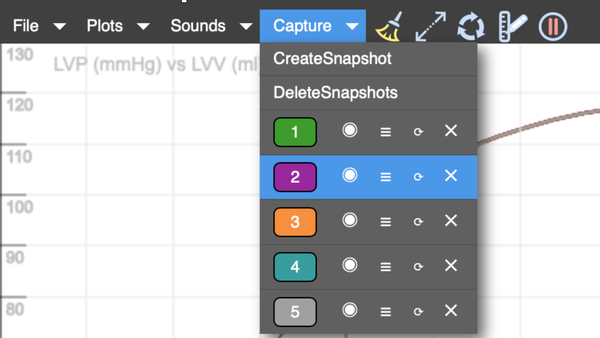
Reviews the menu item CAPTURE in the Simulator.
Covers how to capture multiple conditions, display or hide captured loops and hemodynamic data, and reload captured conditions.
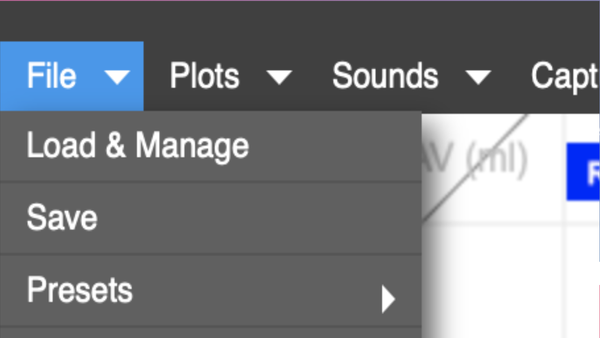
Menu: File
Reviews the different ways to save, load, and share files.
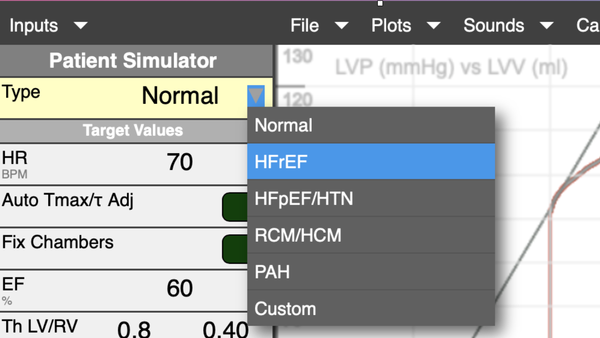
Input: Patient Simulator
Demonstrates how to create a digital twin of a patient. Reviews use of execute, execute without reset, and fixed chambers.
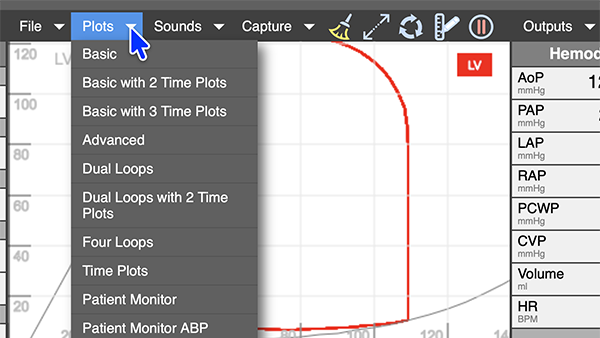
Menu: Plots
Demonstrates how to select different displays, and how to rescale axes and select from among many waveform choices.
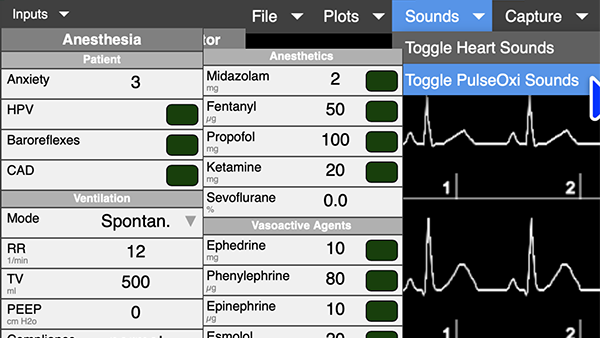
Input: Anesthesia
Reviews the selections in the Anesthesia input panel, including pulse oximetry sounds.
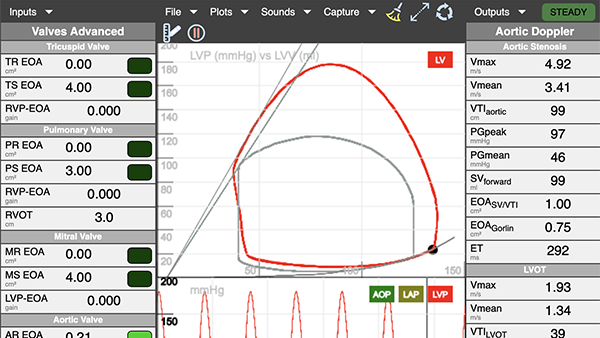
Menu: Valves and Shunts
Reviews how to set effective value area for regurgitant and stenotic lesions, HOCUM, ASD, VSD, PDA and Doppler output options.
Menu
Report
There was a problem reporting this post.
Block Member?
Please confirm you want to block this member.
You will no longer be able to:
Mention this member in posts
Please allow a few minutes for this process to complete.